Assistive Devices
A device is the assistive hardware that composes with a human MSK model to form an environment. A device can be an exoskeleton, a powered or passive prosthetic leg, or any other assistive device. Devices come from assist_sim, and are selected with the device field of the environment spec.
See Device Catalog for every currently available device.
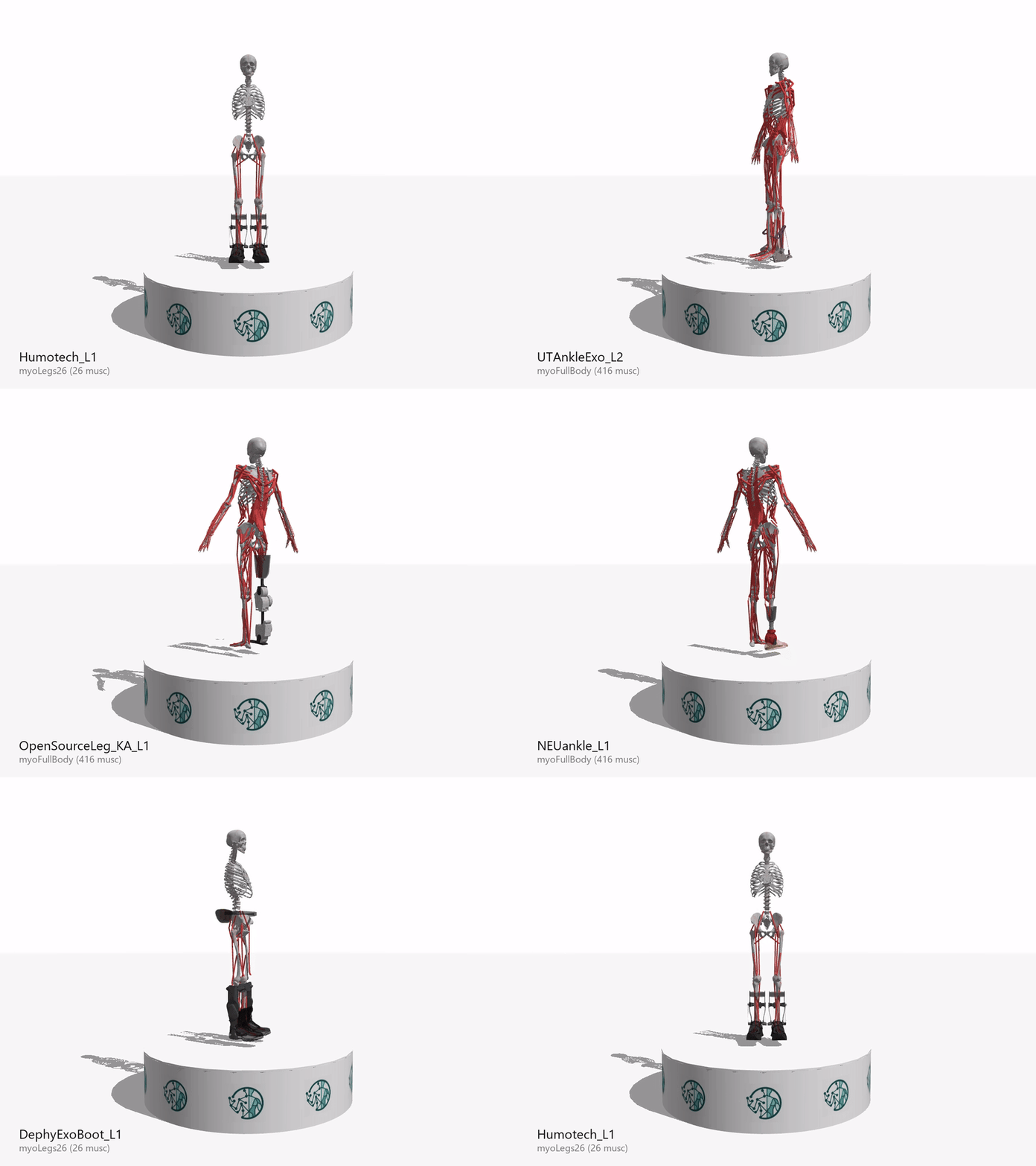
Device keys
Each device key comes from a config file, models/<DeviceDir>/<variant>config.yaml. For example, models/DephyExoBoot/L1config.yaml gives the key DephyExoBoot_L1, and models/OpenSourceLeg/A_L1config.yaml gives OpenSourceLeg_A_L1. The device’s device.name field is also registered as an alias.
When a device attaches to an MSK, its device.name becomes a prefix on every body, site, mesh, joint, actuator, and tendon that the device contributes (for example DephyExoBootL1_exo_1_r). The prefix prevents name collisions and marks the device’s parts in the composed model.
Per-MSK overrides
One device config can carry per-MSK variations. Sections such as attachments, tendon_modifications, keyframe_overrides, actuator_removals, tendon_removals, and mesh_replacements can hold a default entry plus per-MSK-key entries. The resolver picks the matching MSK key if it is present, otherwise it uses default. See Device Configuration for the sections and their fields.
In this section
- Device Catalog: every gait-assistive and upper-body device, with a render on the model.
- Device Configuration: the YAML config schema, plus the upper-body and seated-mobility environments.
- Add a Device: write a new device XML and config.
- Modeling Tips: prepare and inspect the device meshes.
- Per-MSK Overrides: device behavior that differs by MSK model, and the amputation re-anchor workflow.
- Exporting & Loading Models: write a composed model to disk and reload it.
- Troubleshooting: common errors and their fixes.